
If you need support with billing, payouts, fees, Slerp Pay, invoices, or financial settings, please access our Finance Enquiries section.
The Accounts and Billing tab is your central hub for handling all financial matters related to your SlerpSpace. In this section, you can easily access your Slerp Pay account (Stripe), monitor payouts, download invoices, and manage your billing and invoicing activities.
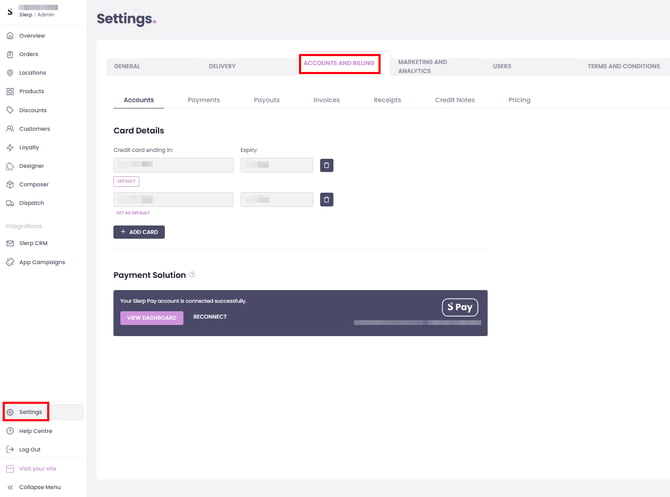
If you are using Slerp Pay, you can access copies of your invoices and credit notes directly from your Slerp Space.
To download Invoices:
Settings → Accounts and Billing → Invoices
To download Credit notes:
Settings → Accounts and Billing → Credit Notes
Once you’re in the relevant section, find the invoice or credit note you need and click the document icon on the right to download a copy.