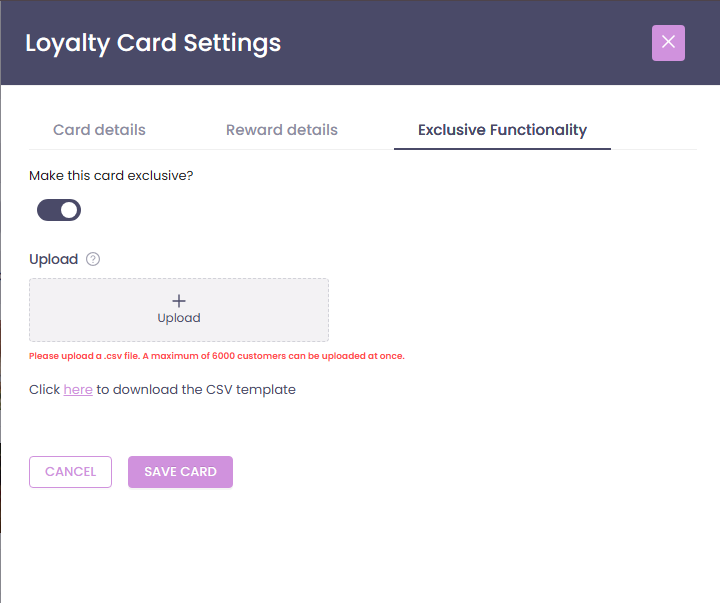
What does “exclusive” mean?
Exclusive loyalty cards are cards that only certain customers can see and use.
This is useful when you want to:
- Reward VIP or corporate customers.
- Run staff‑only offers.
- Test a new loyalty offer with a small group before launching it to everyone.
When a card is marked as exclusive, it won’t be visible to customers who are not on the allowed list.
How to enable exclusive functionality
- Log in to the Controls Dashboard.
- Go to Loyalty → Your Cards.
- Either:
- Create a new loyalty card, or
- Click an existing card to edit it.
- Open the Exclusive Functionality tab.
- Turn on exclusive mode and upload or select the customers who should have access.
- Save your changes.
For guide on creating a loyalty card, see:
Only the customers you selected will see and be able to use this card.