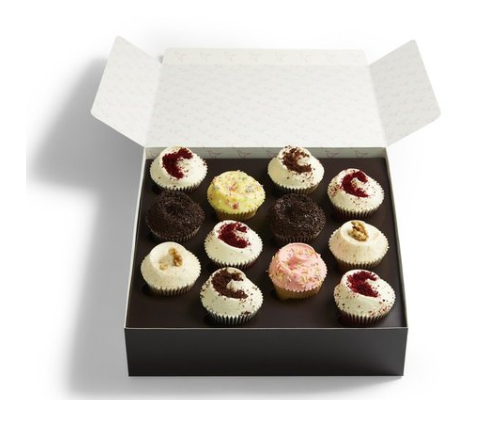
1. Choose a tight core menu
- Start with your top-performing items (e.g. your top 10 dishes that usually drive ~80% of revenue).
- Avoid launching with a very large or complex menu online – it increases decision time and can hurt conversion.
- Create a Favourites, Best Sellers, or Owner’s Recommendations category to guide new customers.
2. Use modifiers instead of separate products
- Use modifiers (add-ons) for options like sauces, sides, extras, or size choices, rather than creating many single-line products.
- This keeps the category clean while allowing customisation (e.g. Extra cheese, Mild/Medium/Hot, Add fries).
3. Use strong images and clear descriptions
- Consistent, high-quality images increase conversion and help customers scan quickly.
- Use:
- Clear titles (e.g. Chicken Katsu Curry rather than Katsu).
- Short, informative descriptions (main ingredients, style, standout feature).
- Follow image standards here: 🖼️ Images and Visual Assets.
4. Review and refine over time
- Regularly check which products sell well vs. rarely sell.
- Remove or hide low performers, and highlight best sellers at the top of categories or within a Featured/Favourites section.