
To ensure smooth order processing, please make sure you’re using Slerp app version 2.9.59 (iOS/Apple) or 2.9.60 (Android) or above.
-
Open the Slerp app.
-
Check the version at the bottom of the main screen (shown as v2.X.X).
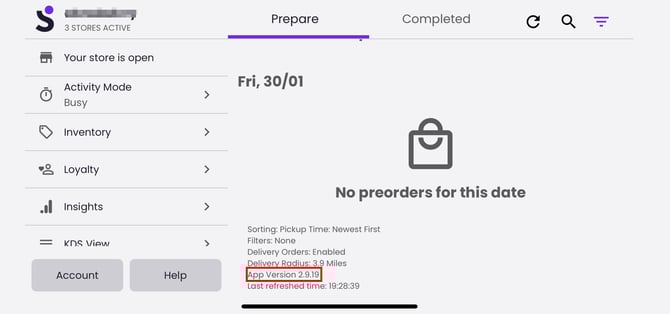
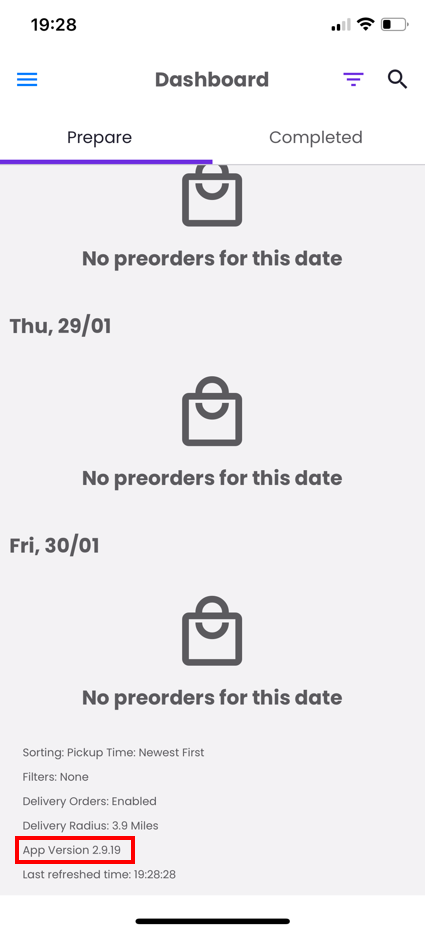
- If it’s below version 2.9.59 (iOS/Apple) or 2.9.60 (Android), update the app:
-
Open the App Store (iOS) or Google Play Store (Android) on your device.
-
Search for “Slerp” or tap the link for your device:
- If you see Update, tap it and wait for it to complete.
Staying updated ensures you have the latest features and improvements for a smoother Slerp experience.