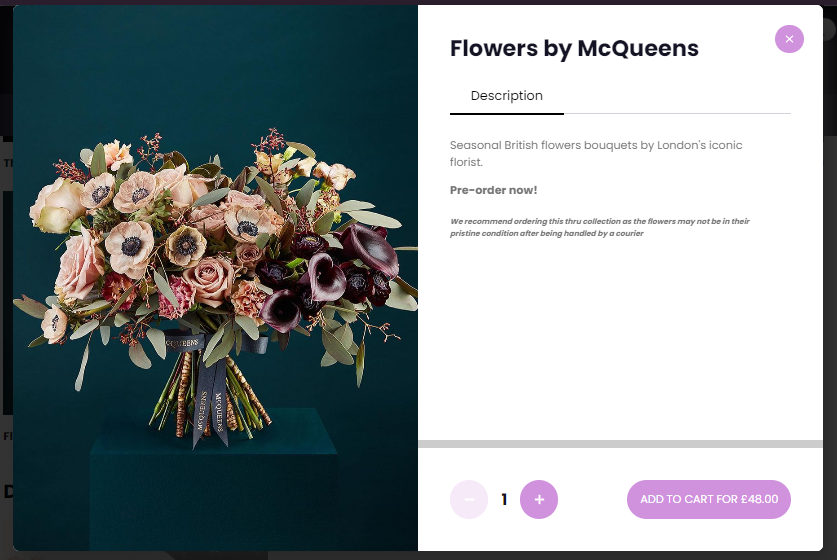
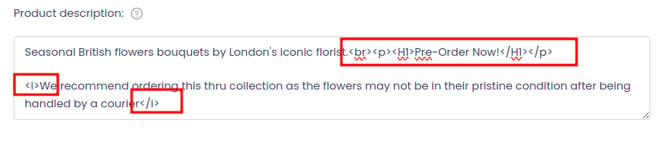
You can now add the relevant HTML tags to your product description to adjust font size, highlight key information, and generally customise how the text appears to your customers. This allows you to draw attention to important details such as allergens, serving sizes, pricing, or promotional messaging, and to make your descriptions easier to scan and read on both desktop and mobile.
Below are some of the most commonly used HTML tags you can safely use in your product descriptions, along with examples of how they work:
**Bold text**
Use bold text to emphasise important words or phrases, such as allergens, key features, or upsell messages.
**Italic text**
Use italics to add subtle emphasis or to style secondary information such as notes, serving suggestions, or disclaimers.
**Font size and headings**
You can use paragraph and heading tags to create a visual hierarchy in your descriptions. Larger headings help to separate sections, while smaller headings are useful for sub-sections or notes.
Ingredients
Allergens: Contains gluten, eggs, and dairy.
Chocolate Fudge Brownie
Rich, handmade chocolate brownie with a soft centre.
Perfect for sharing or as an indulgent dessert.
Allergens: Contains eggs, milk, and gluten.
By combining these tags, you can create clear, well-structured product descriptions that reflect your brand, highlight important information, and improve readability for your customers.
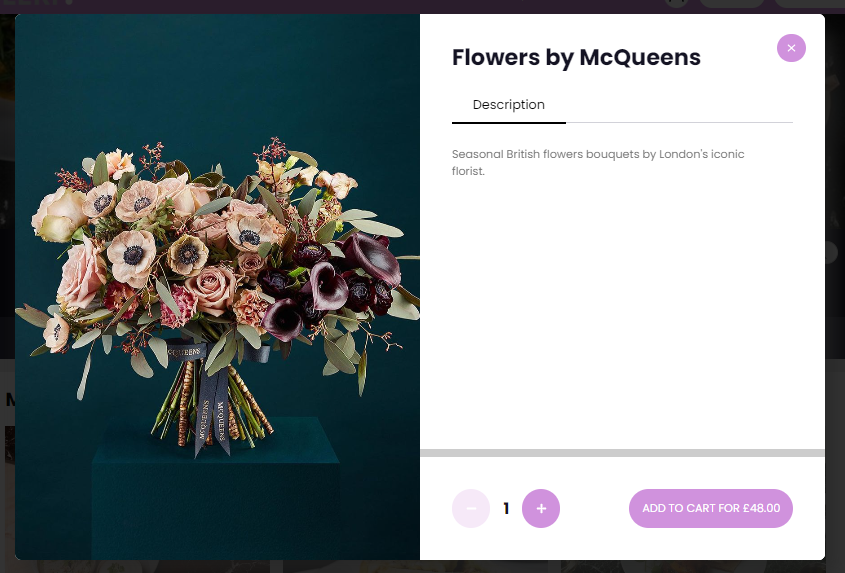
Unformatted:
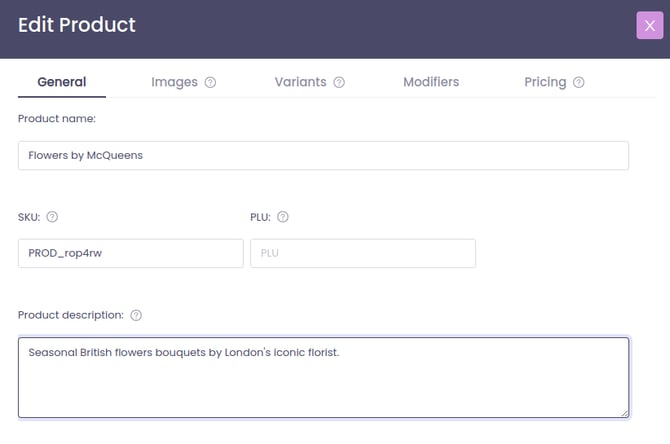
HTML Formatted: